Send a Mail Message
Sending encrypted mail messages through DekkoCORE.
Sending a Mail message
There’s two ways to compose a Mail message:
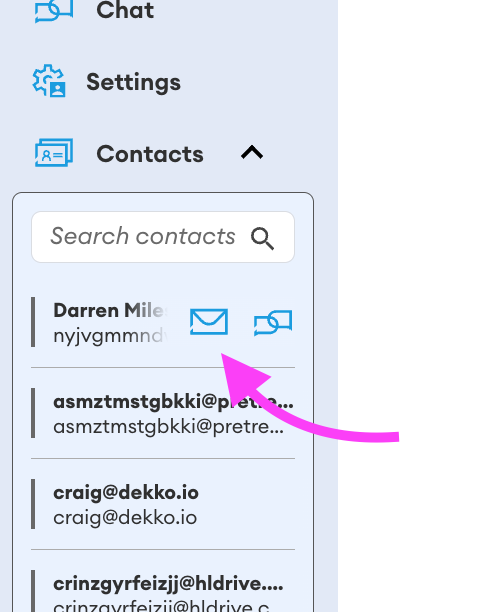
Open the Contacts dropdown, hover over a contact and press the Mail icon
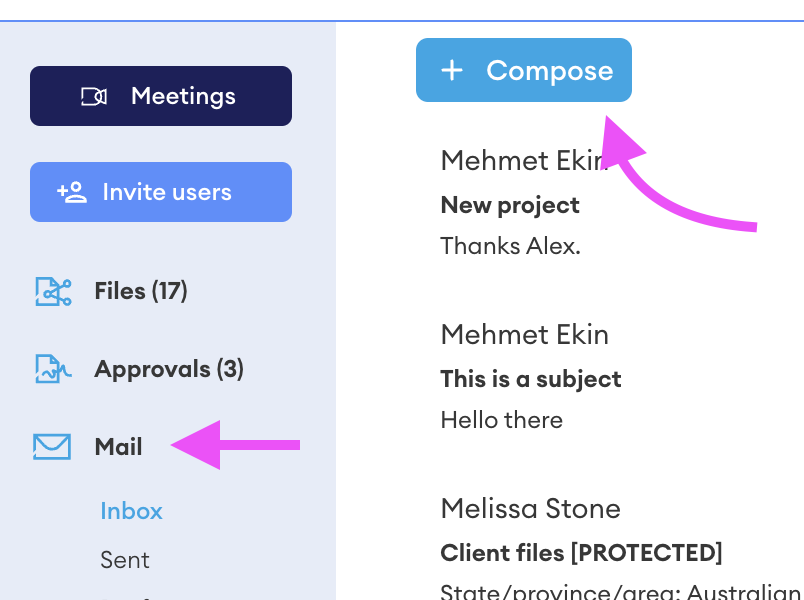
Select Mail in the navigation bar, the press Compose
If you have All Hubs selected, you’ll need to choose a Hub to send the Mail message from
In the To field, enter contact(s) to send the Mail message to:

Users who are already in the Hub will auto-complete when you enter their name or email address. You can also enter an unregistered address, and that individual will be sent a registration invite, after which they can read the message.
Unregistered users will appear with their full address -

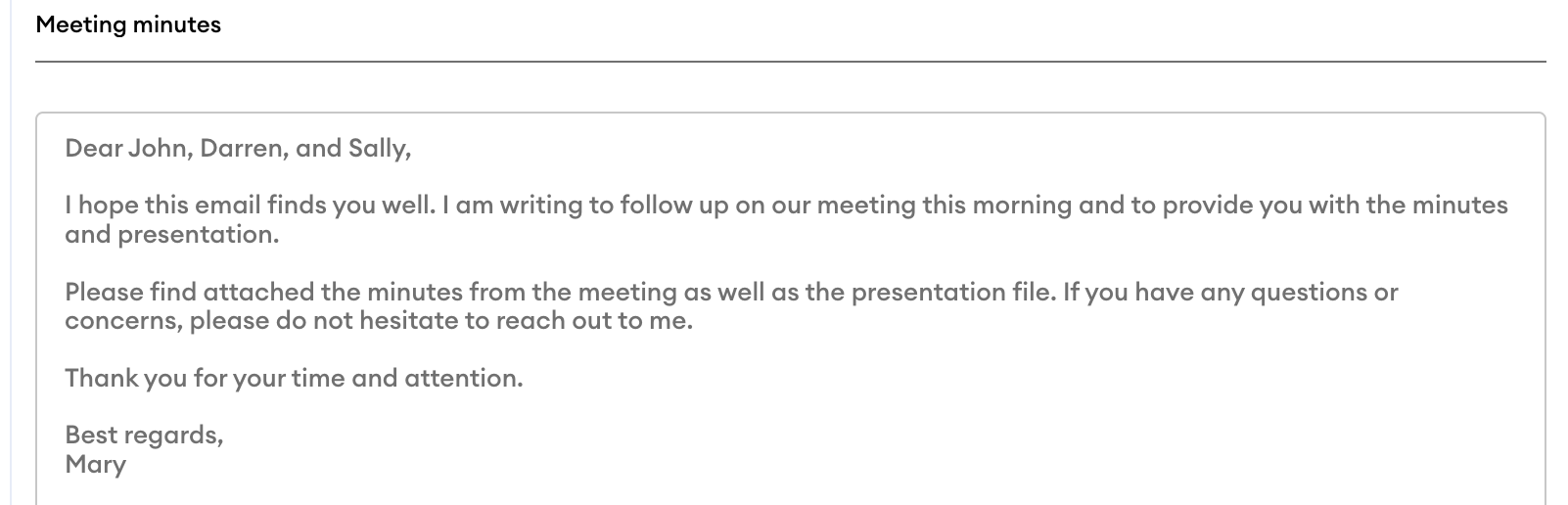
Enter a subject and message body:
If you are adding an attachment, use the attach from files (content you’ve already uploaded to the Hub) or Attach files (from your computer’s storage):


Mail message attachments have no file size limits.
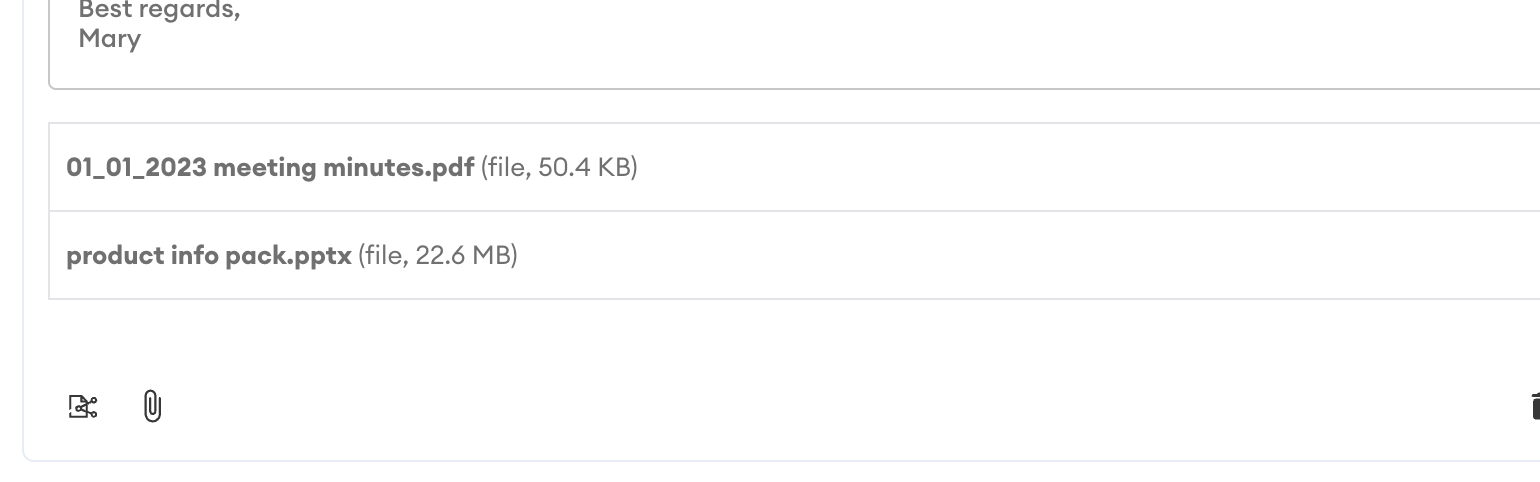
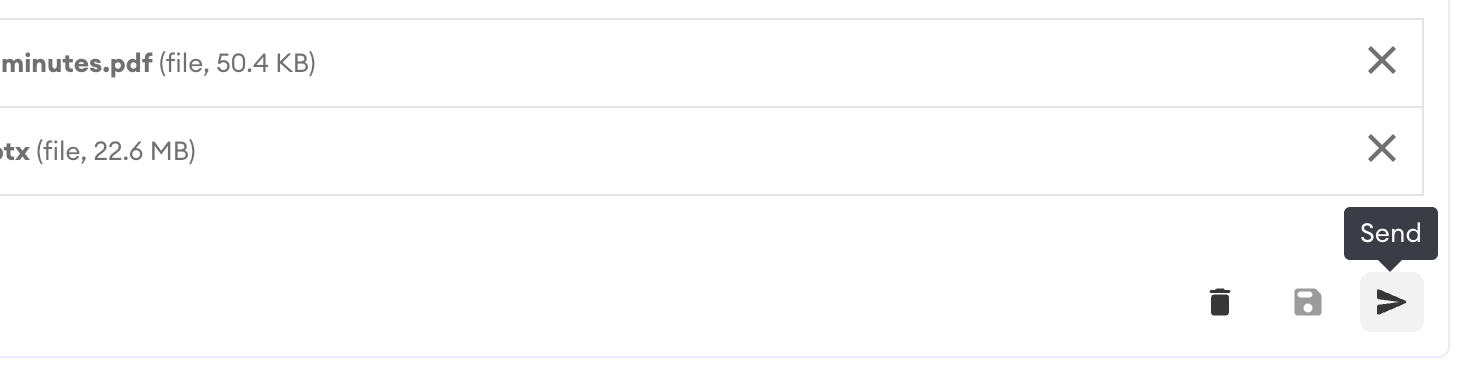
When you are ready, press Send:
The message thread will appear in your Sent items -
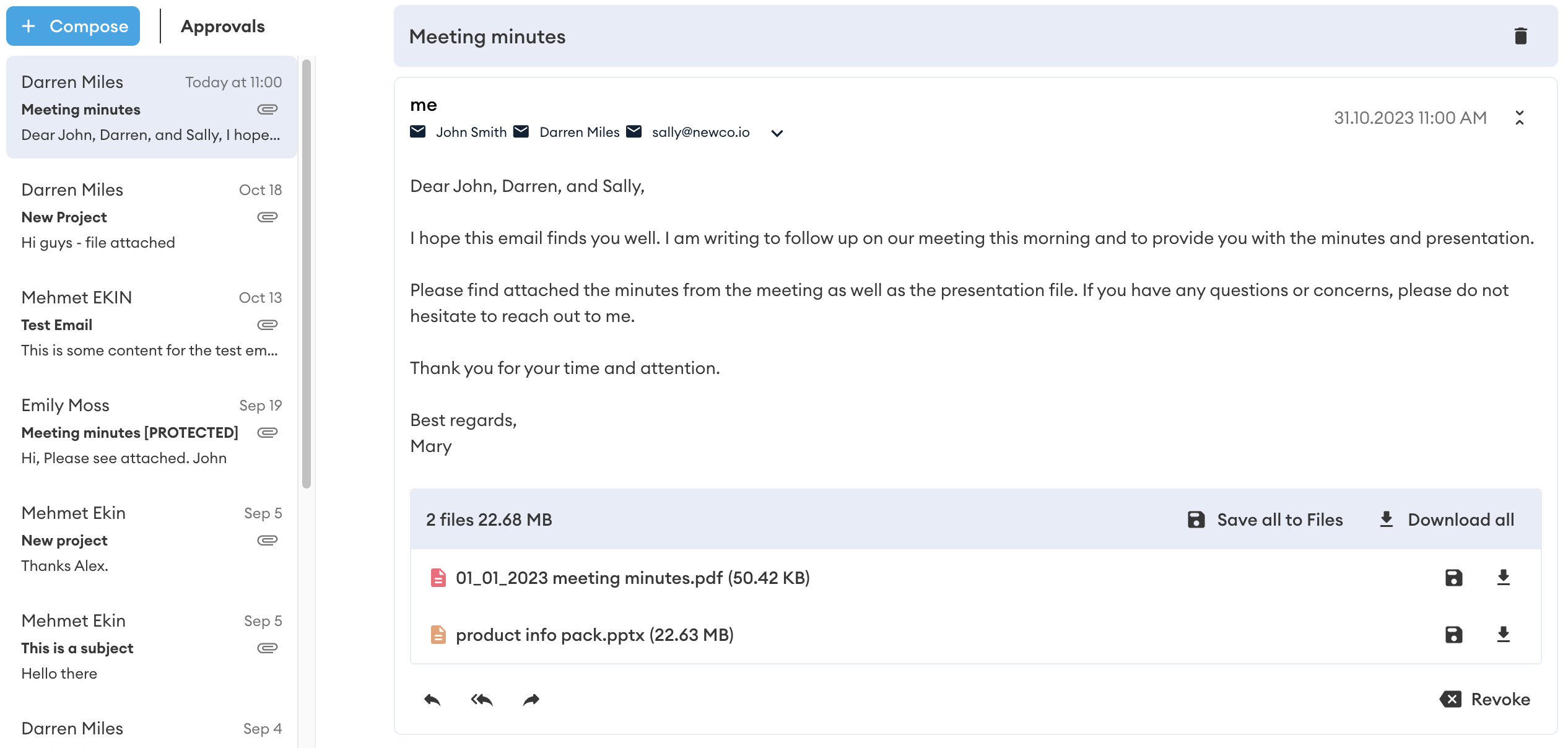
Recipient(s) will be notified of your Mail message via email. They must log in to their DekkoSecure account to read the message (content is not expose in email-based notifications).
Other Mail features
Read Receipts
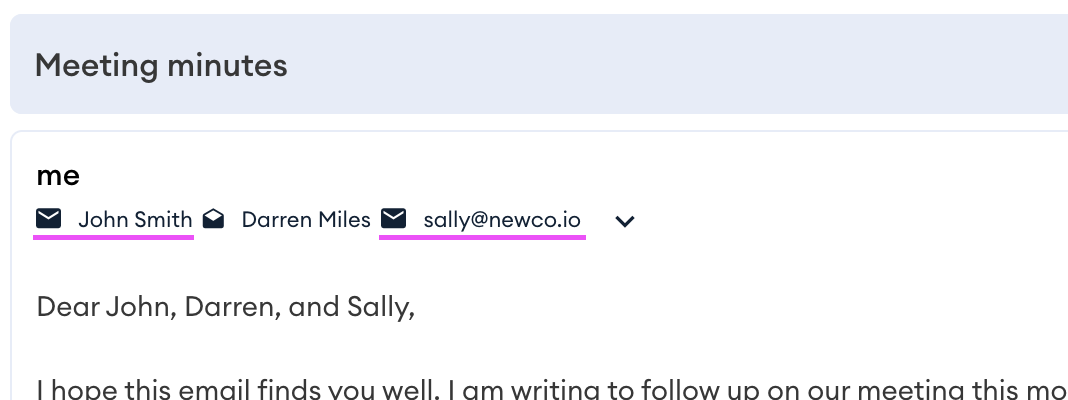
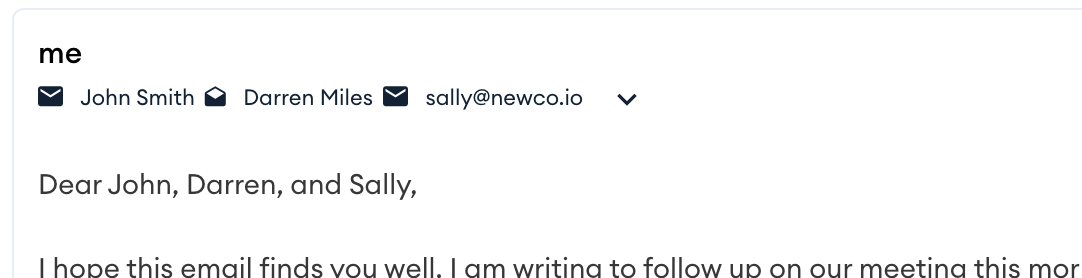
The envelope icon will change to open when a recipient reads your mail message.
Revoke
To revoke a message before it is ready by recipient(s), press Revoke:
Revoke will only apply to users who have not read your message.
In the below example, the message will be revoked for John and the unregistered user sally@newco.io: