

FAQ for Admins
Common questions for Tenant and Hub Admins.
This guide includes frequently asked questions for Tenancy Managers and Hub administrators. For general user questions, see the FAQ and Basic Troubleshooting article. For SSO-specific questions, see the FAQ for SSO/Entra ID article.
How is the service accessed?
DekkoCORE is a web-based application that can generally be accessed anywhere, on any device. For login URLs and system regions, see the Quick-start Guide.
To enable geo-fencing or other access controls, you must establish SSO via integration so that your IDAM policies can be set against the service. You can learn more about this from our FAQ for SSO/Entra ID article or by contacting your account manager.
If your organisation has strict filtering policies in place, please make sure our whitelisting guidelines are followed for ensured access.
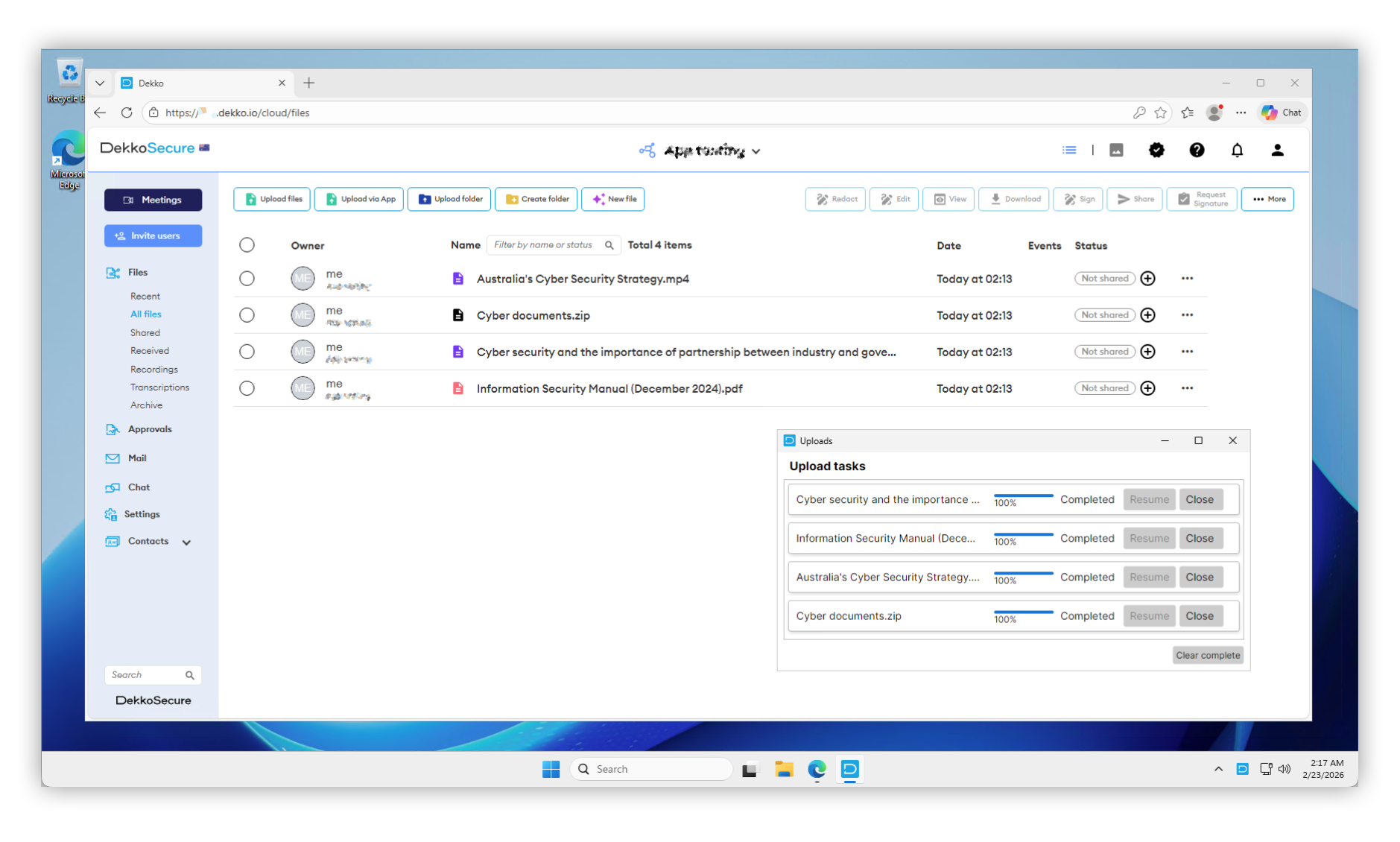
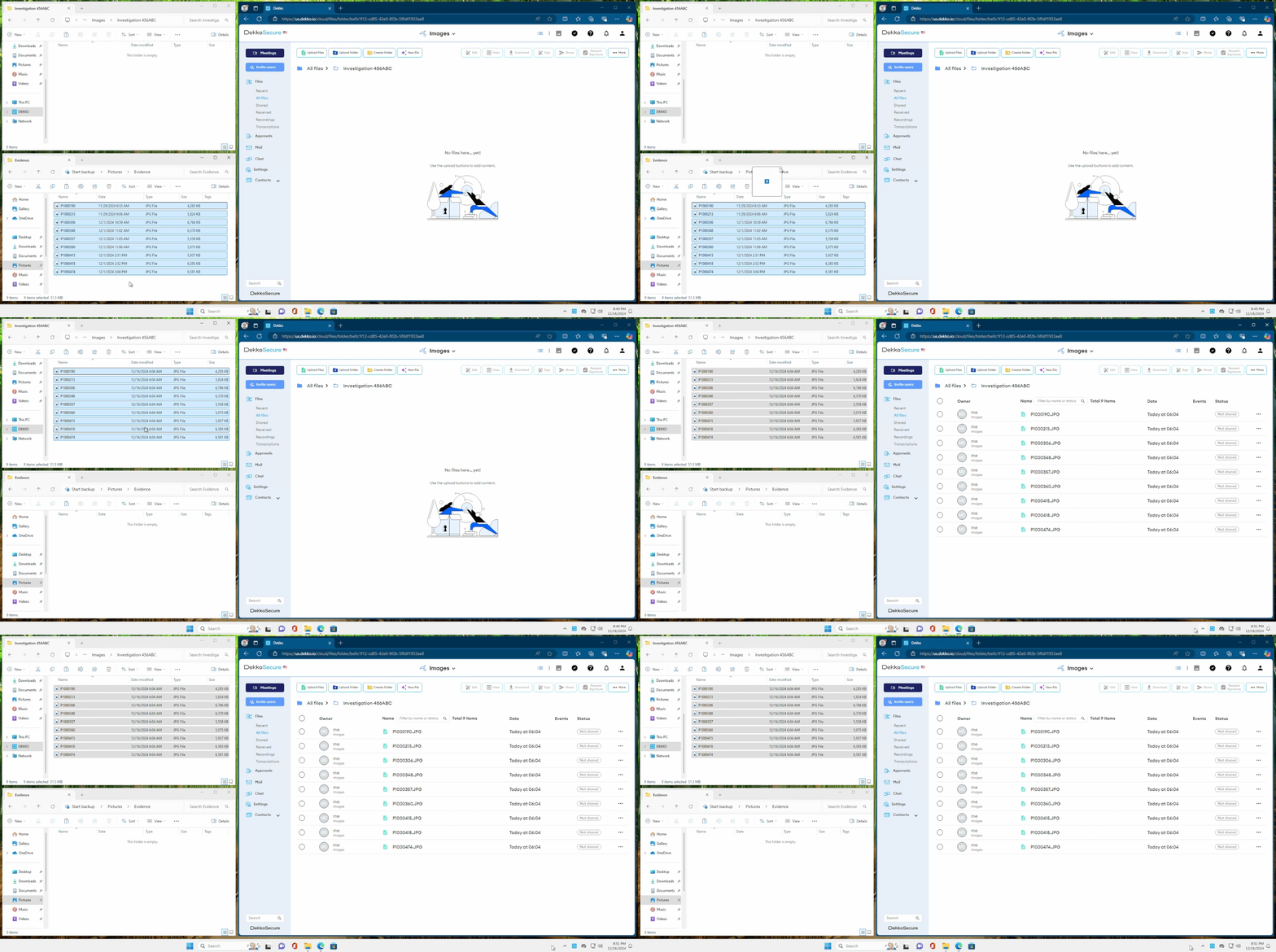
DekkoSecure also offers companion Windows applications for fast data upload and full data synchronisation.
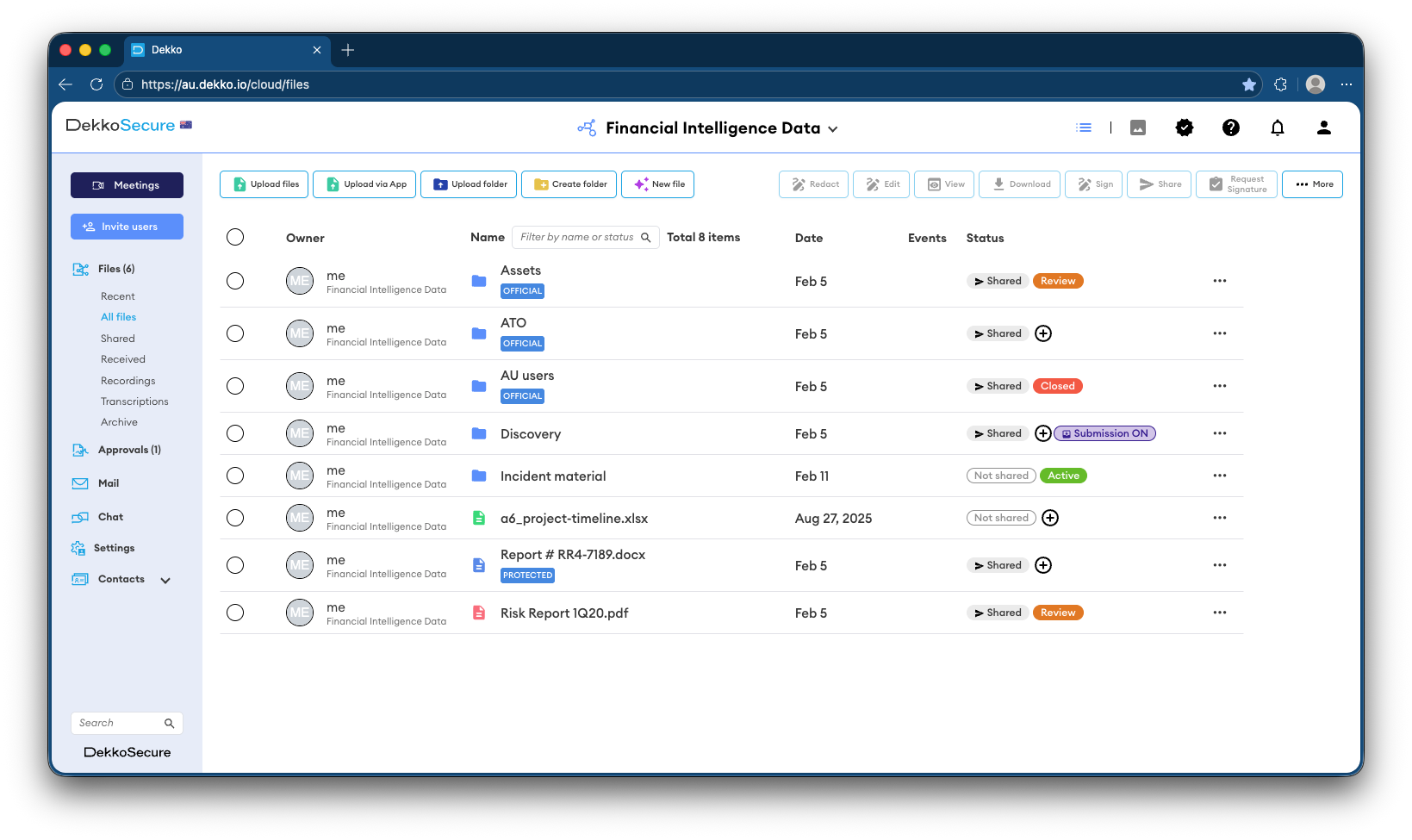
DekkoCORE Web Application:
Upload Accelerator Application:
DekkoDrive Data Synchronisation Application:
What 2FA method is supported?
DekkoCORE uses TOTP (Time-Based One-Time Password) as the 2FA method on accounts that authenticate via the built-in profile system. This means that authentication apps such as Microsoft Authenticator, Okta Verify, Authy and Google Authenticator are supported.
DekkoCORE also provides you to setup Passkeys. For setup instructions see Enable passkeys on your account.
Organisations that authenticate using Entra ID SSO will follow the conditional access control set by the customer in the Entra ID administration tools.
SMS 2FA is not supported and not planned for support.
How do I reset a user’s password?
Password reset is only available for non-SSO users. You must be set as a trusted user via the Tenancy Manager policy to be able to change a user’s password, and the user must log in at least once for you to be able to perform a reset.
Open the Users tab in the Tenancy Manager to reset passwords (learn more).
How do I reset a user’s 2FA?
Open the Users tab in the Tenancy Manager to reset 2FA (learn more).
For Tenancies where 2FA is enforced, the user will be prompted to re-enable 2FA the next time they log in.
Why can’t I see user’s files?
DekkoCORE Core Hubs
Content sharing on the DekkoCORE’s Core Hubs is explicit, meaning that files must be shared with you before you can access them; joining a Core Hub or being a Tenancy admin does not automatically grant access to all content. You can learn more about role permissions here.
If you are expecting to receive files you can ask your inviter or other users in the Core Hub(s) that you are a member of - you can check who is in the Core Hub by opening the Contacts list or the DekkoCORE Chat from the navigation panel on the left.
For organisations with oversight requirements that need administrative accounts to access all files, you can implement the Content Access Admin Policy.
DekkoCORE Fusion Hubs
For DekkoCORE Fusion Hubs files will be implicitly shared with sharing groups set with default sharing permission. Fusion Hubs also have an “index” which gives a list of all files in a Fusion Hub regardless of their location in a folder, hence it gives you a flat list with all the metadata fields.
How long are files stored in the system?
Files are stored until their owner or co-admin deletes them, or until an agreed point after the termination of your organisation’s agreement with DekkoSecure. The recycle bin Tenancy Policy can be used to manage staged deletion.
Deleted files are not recoverable.
How do I clean up old data in my Tenancy?
Files older than 30 days can be deleted using the data clearout function which is part of the recycle bin Tenancy policy.